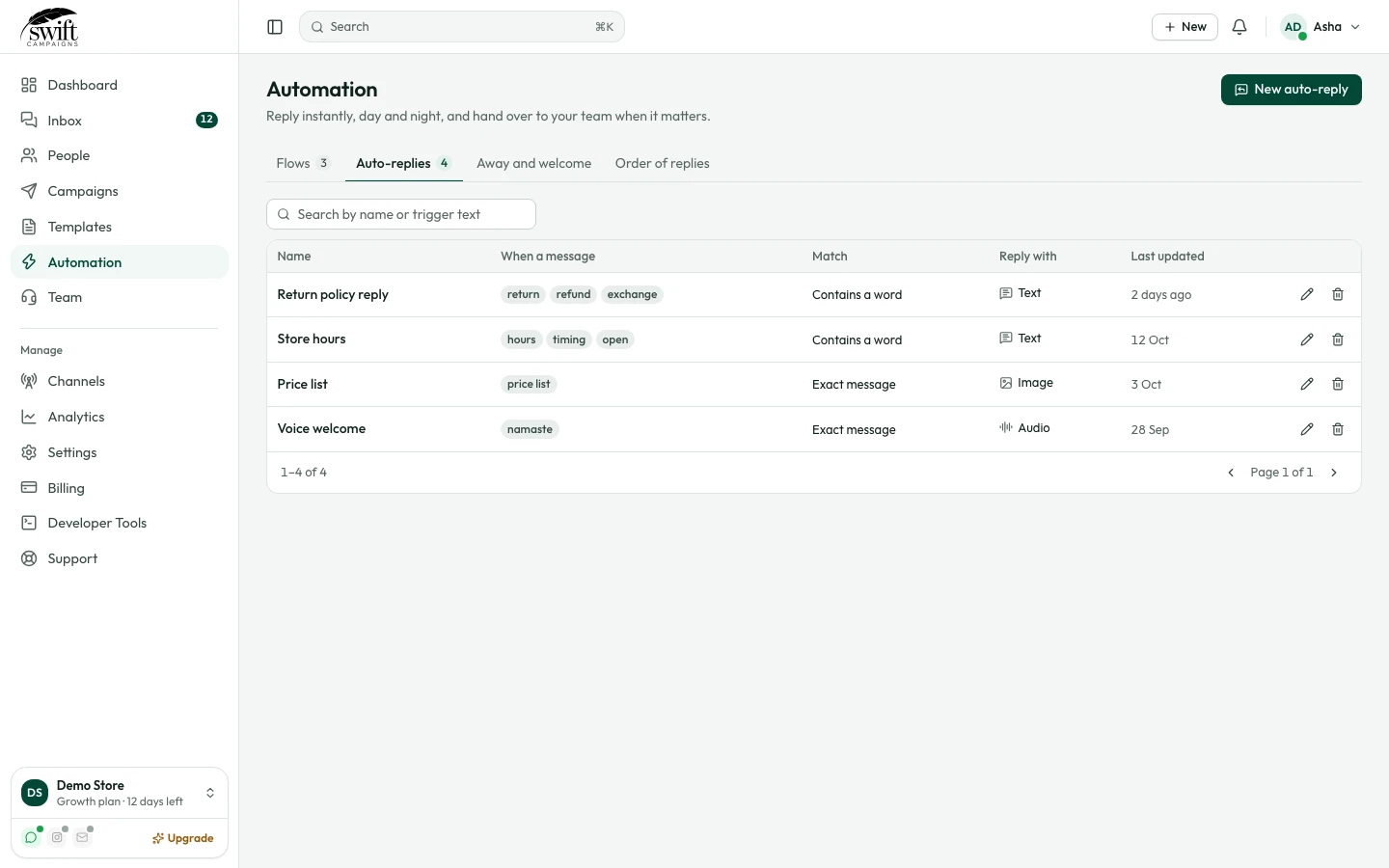
How to set up automatic replies
Answer common questions like opening hours or returns automatically.
Automation3 steps·2 min read
- 1
- 2
Set the trigger
Give it a name and the trigger words, separated by commas (for example
return, refund, exchange). Choose whether the message must contain the words or match them exactly.app.swiftcampaigns.com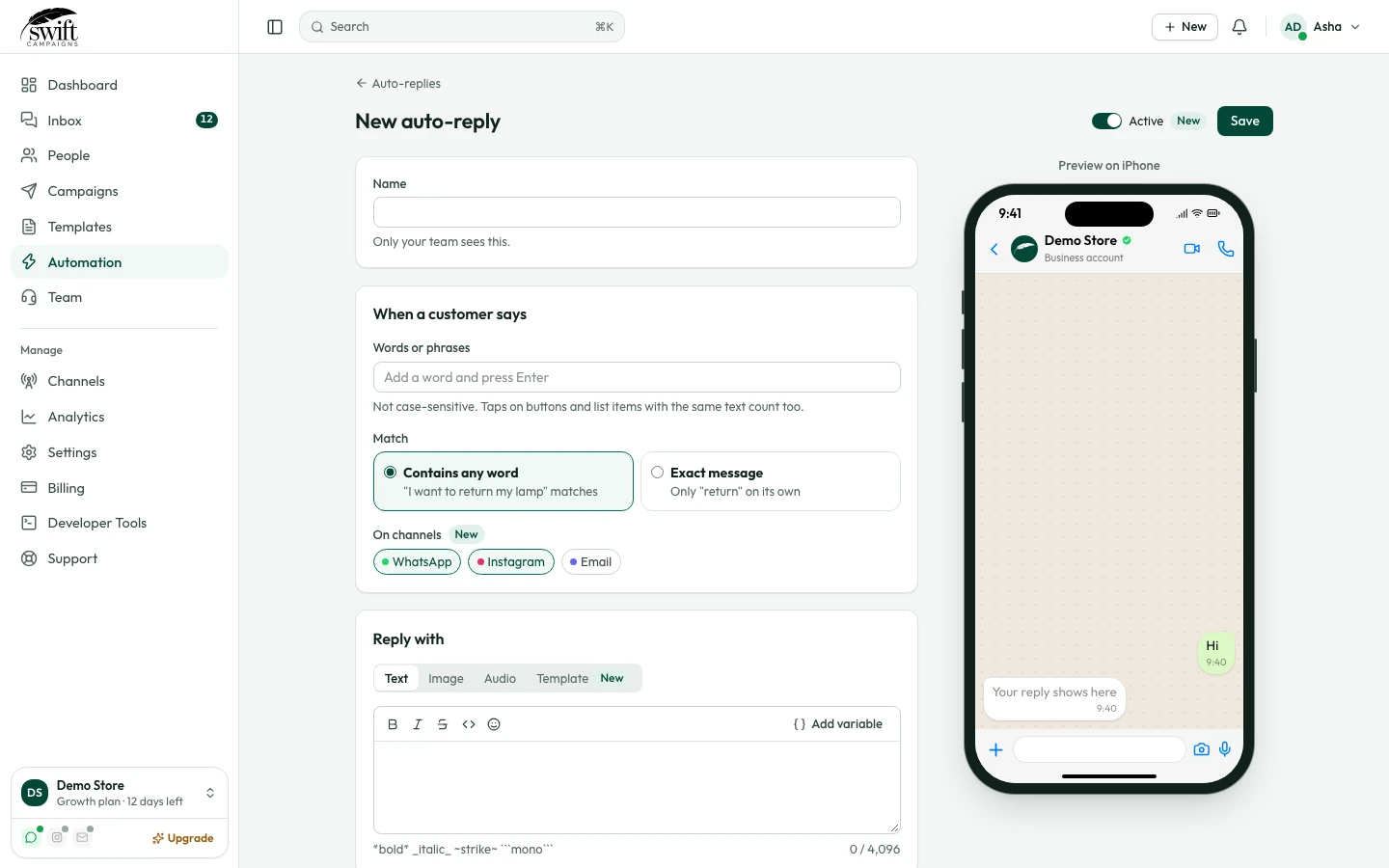
- 3
Write the answer
Type the reply. Use Add Variable to include the customer's name. Click Save; it works straight away.