
How to build a WhatsApp chatbot with the Flow Builder
Greet customers with a menu of buttons and send each choice down its own path.
Automation5 steps·6 min read
- 1
- 2
Set the trigger
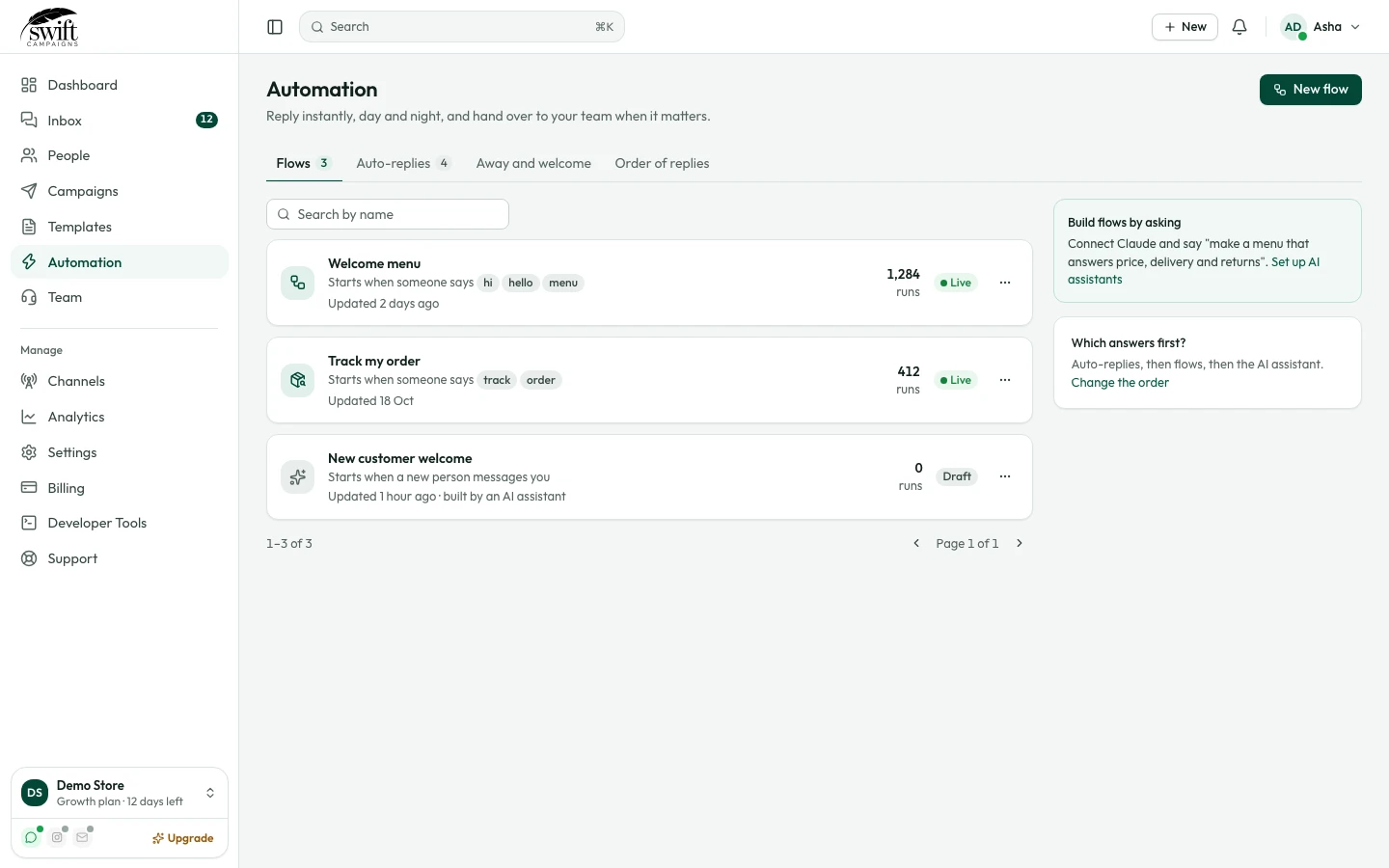
In the Trigger box choose Text contains specific keywords and enter words like
hi, hello, menu, or choose to start for every new contact. - 3
Add steps
Drag Simple text, Media files, Interactive buttons or Interactive list onto the canvas and fill them in. Buttons can have up to three choices.
app.swiftcampaigns.com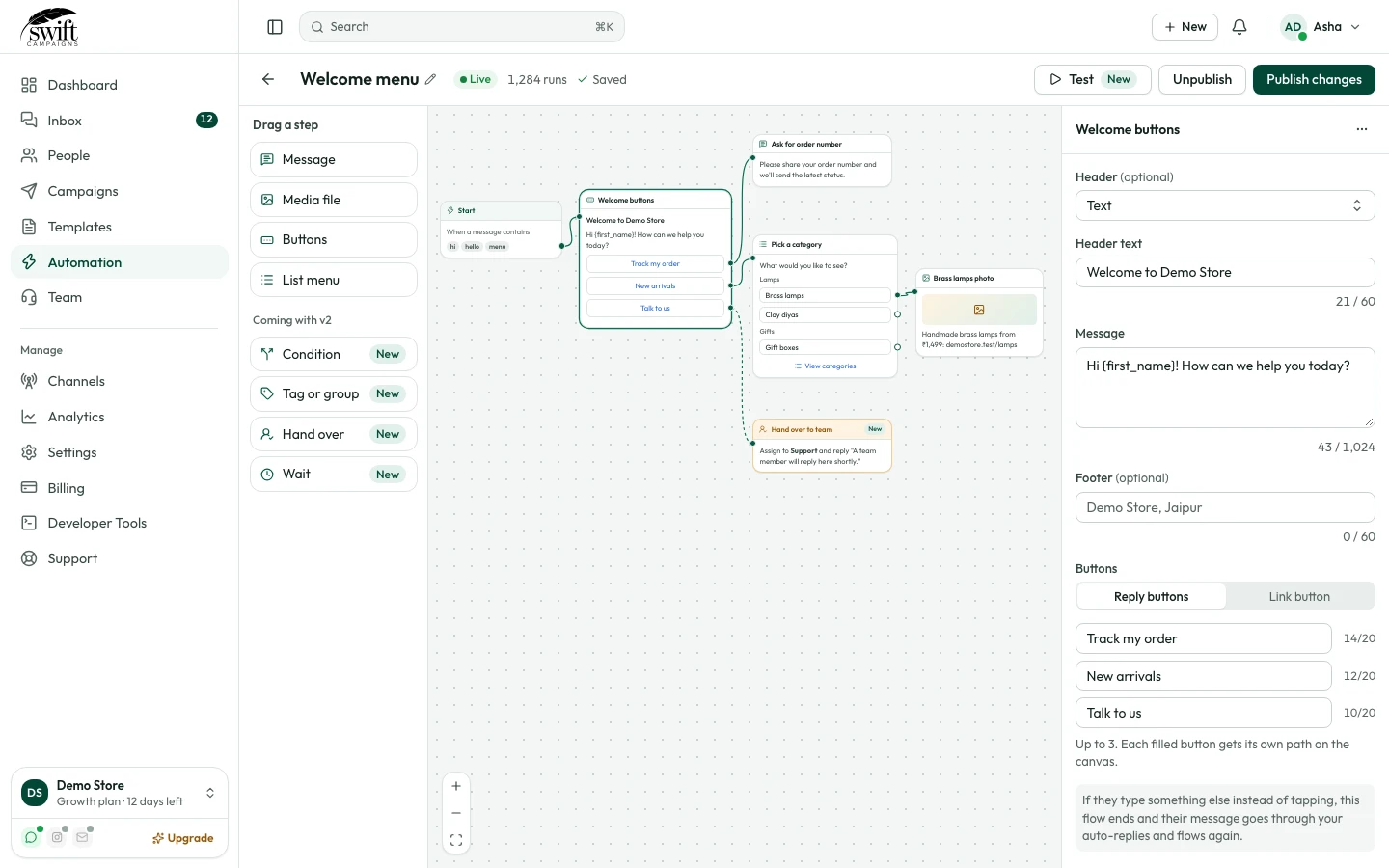
- 4
Connect the steps
Drag from the dot on the right of one step to the next step. From a buttons step, connect each button's dot to the step that should follow that choice.
- 5
Publish
Click Publish. Send your keyword to your WhatsApp number to try it. Click Unpublish to pause it.
Good to know
- You can also ask an AI assistant to build automations for you; see "Connect Claude or another AI assistant".