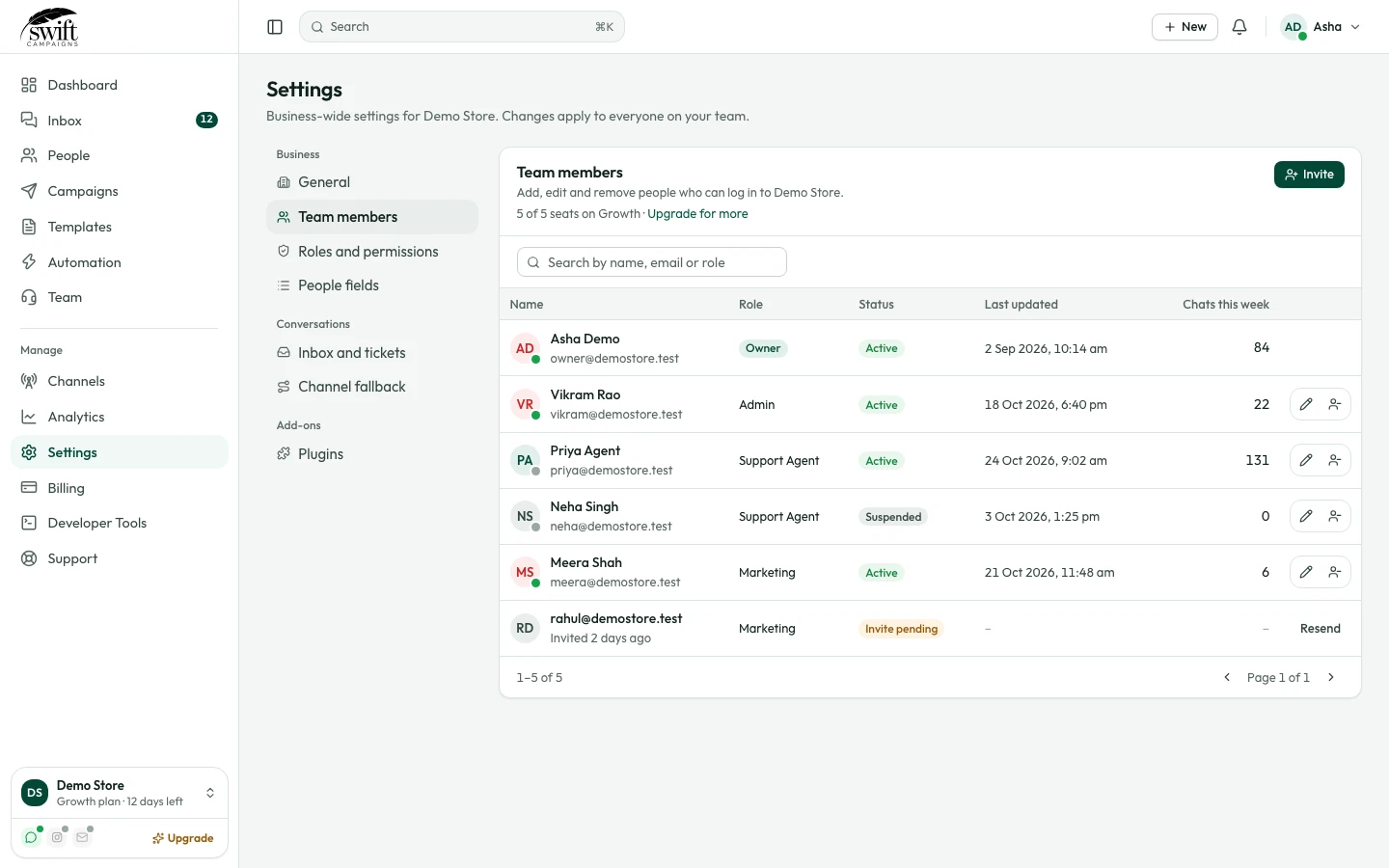
How to add team members and roles
Invite agents and control what each person can see and do.
Team3 steps·2 min read
- 1
- 2
Choose a role
Enter their email, pick a role (for example Support Agent) and click Save. They get an email to join.
app.swiftcampaigns.com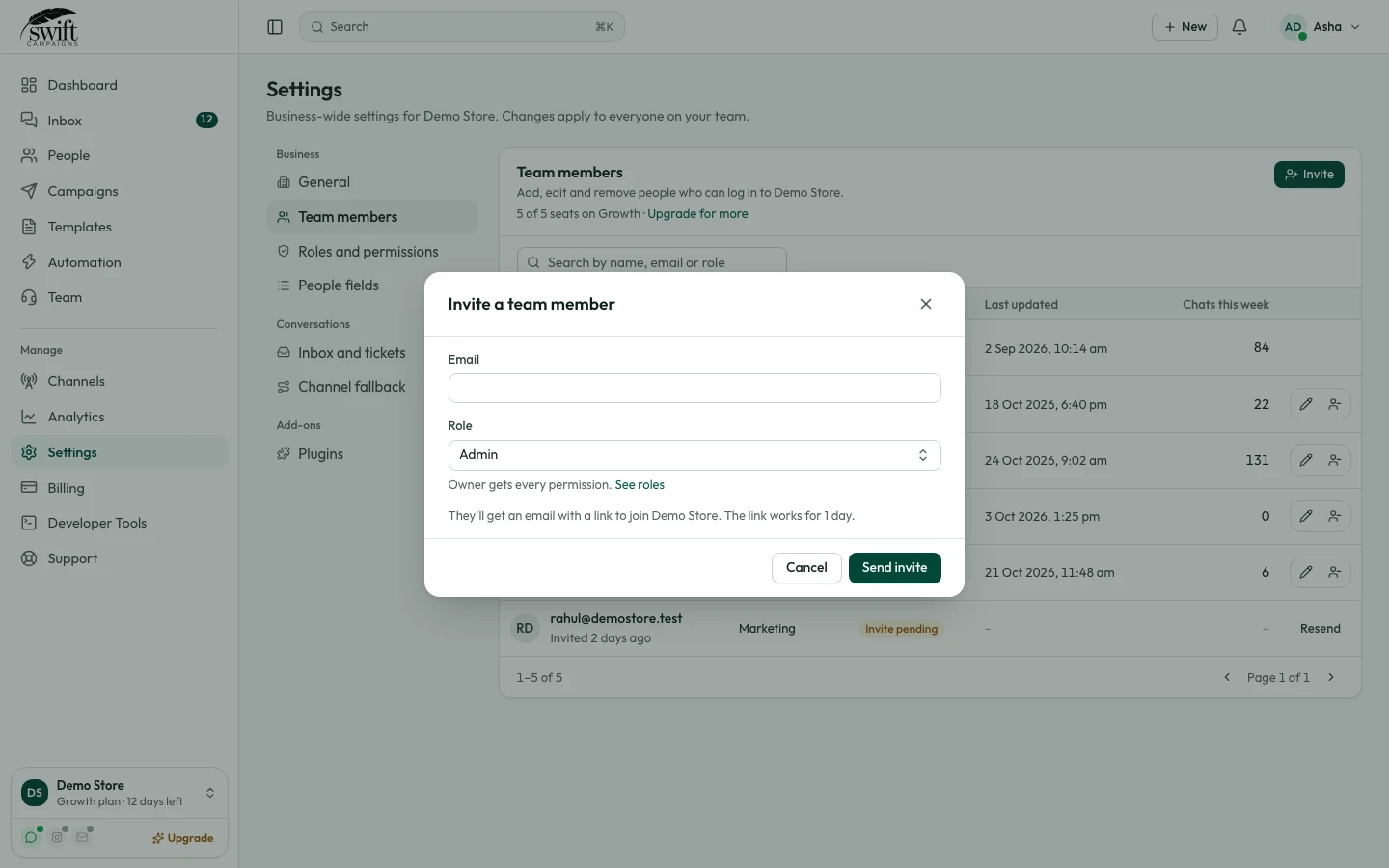
- 3
Create your own roles
Under Settings → Roles & Permissions you decide exactly what each role can do, for example reply to chats but not send campaigns.