
How to manage your plan and billing
Check your plan, renewal date and invoices, or upgrade.
Billing3 steps·1 min read
- 1
Open Billing
Click Billing & Subscription. You see your plan, start date, next billing date and balance.
app.swiftcampaigns.com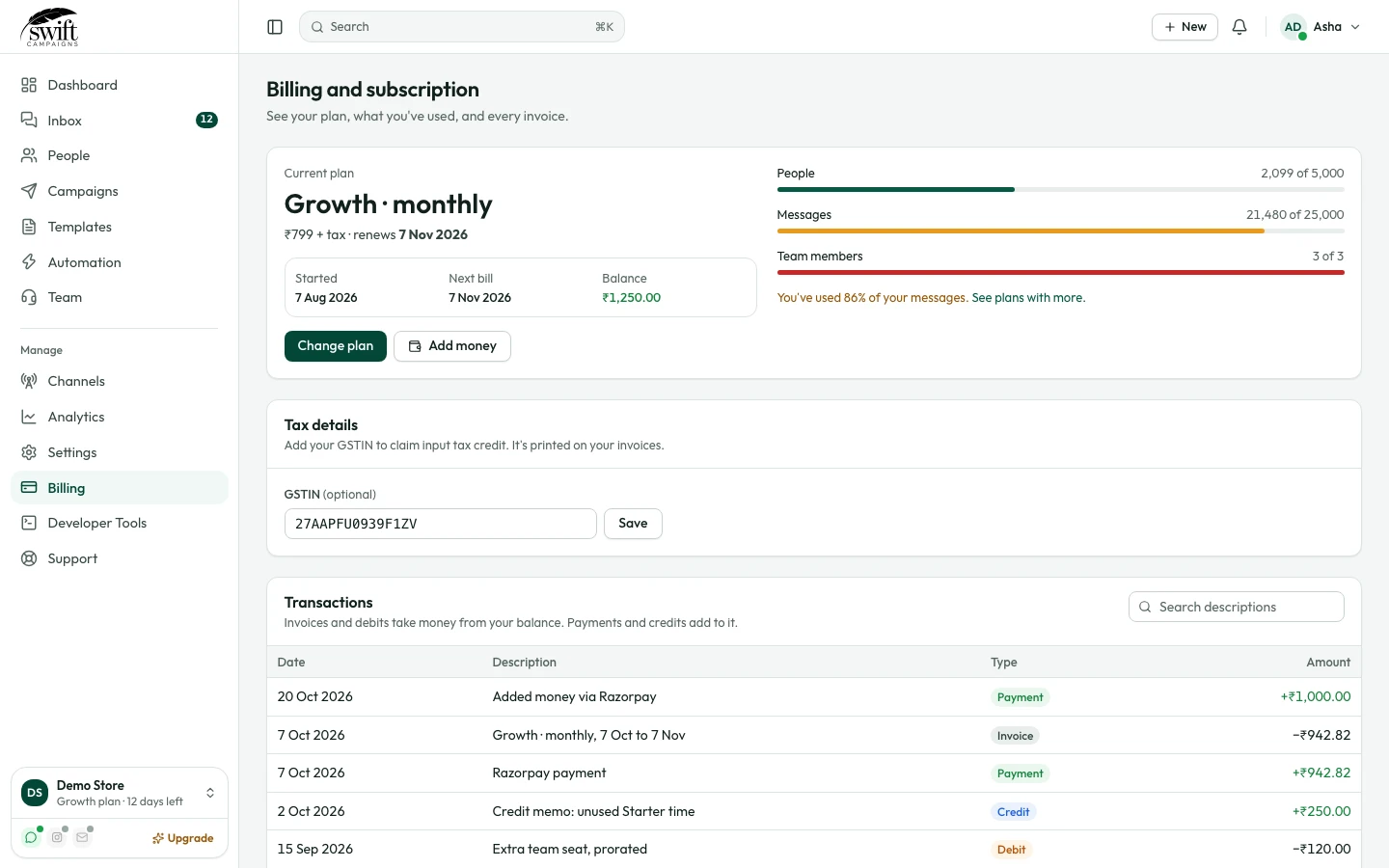
- 2
Upgrade or pay
Click Upgrade Subscription to change plan, or Add Payment to top up.
- 3
Invoices
Past payments are listed under Invoices.
Good to know
- WhatsApp conversation charges are billed by Meta to the payment method in your Meta Business account, separately from your Swift Campaigns plan.