How to reply to customers in Chats
Answer messages, send files and see who on your team replied.
Inbox3 steps·2 min read
- 1
- 2
Open a conversation and reply
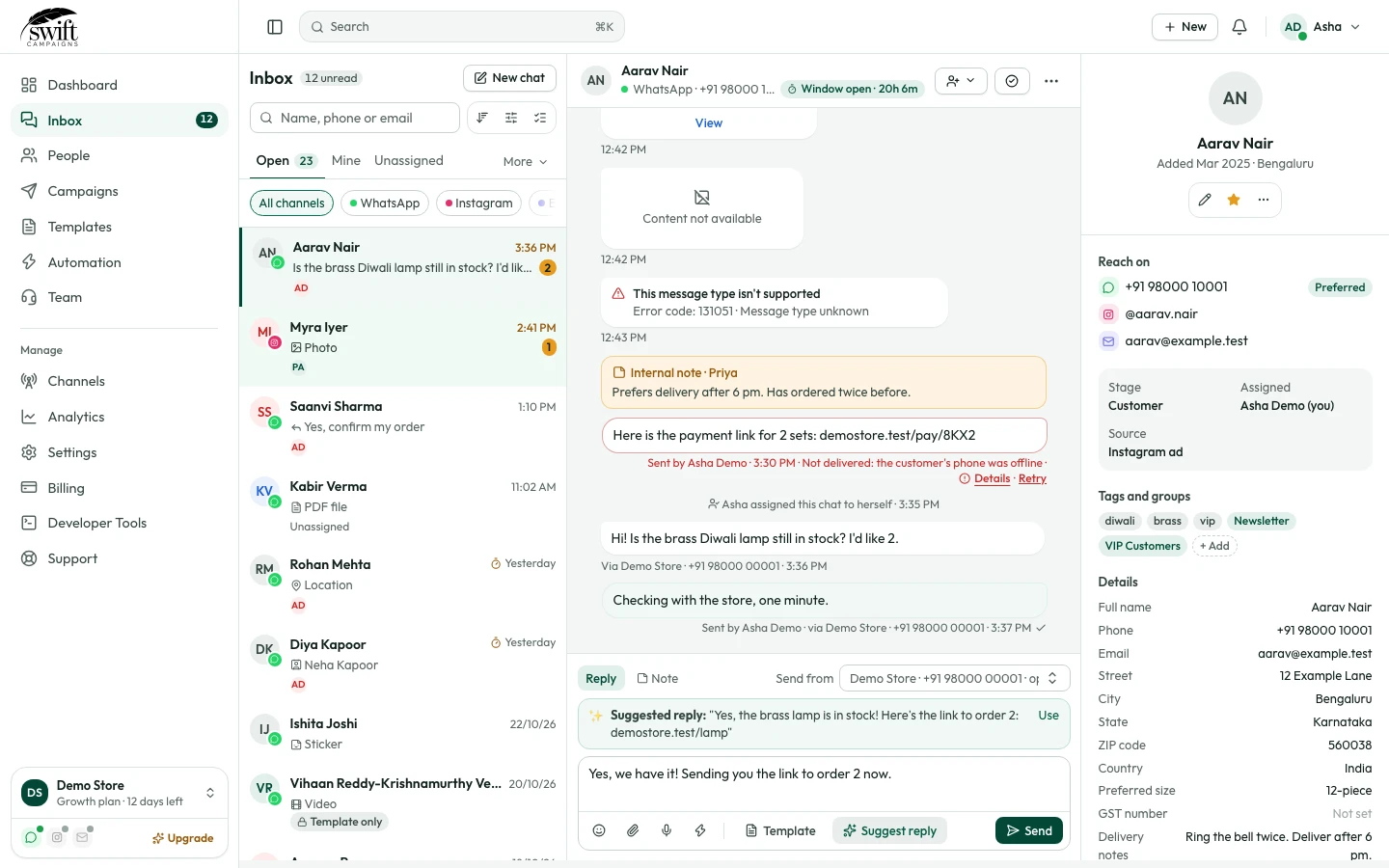
Click a customer, type in the box at the bottom and press Send. Use the icons to add emoji, files, audio, video or a voice note. The customer sees blue ticks when you open their chat and "typing…" while you type.
app.swiftcampaigns.com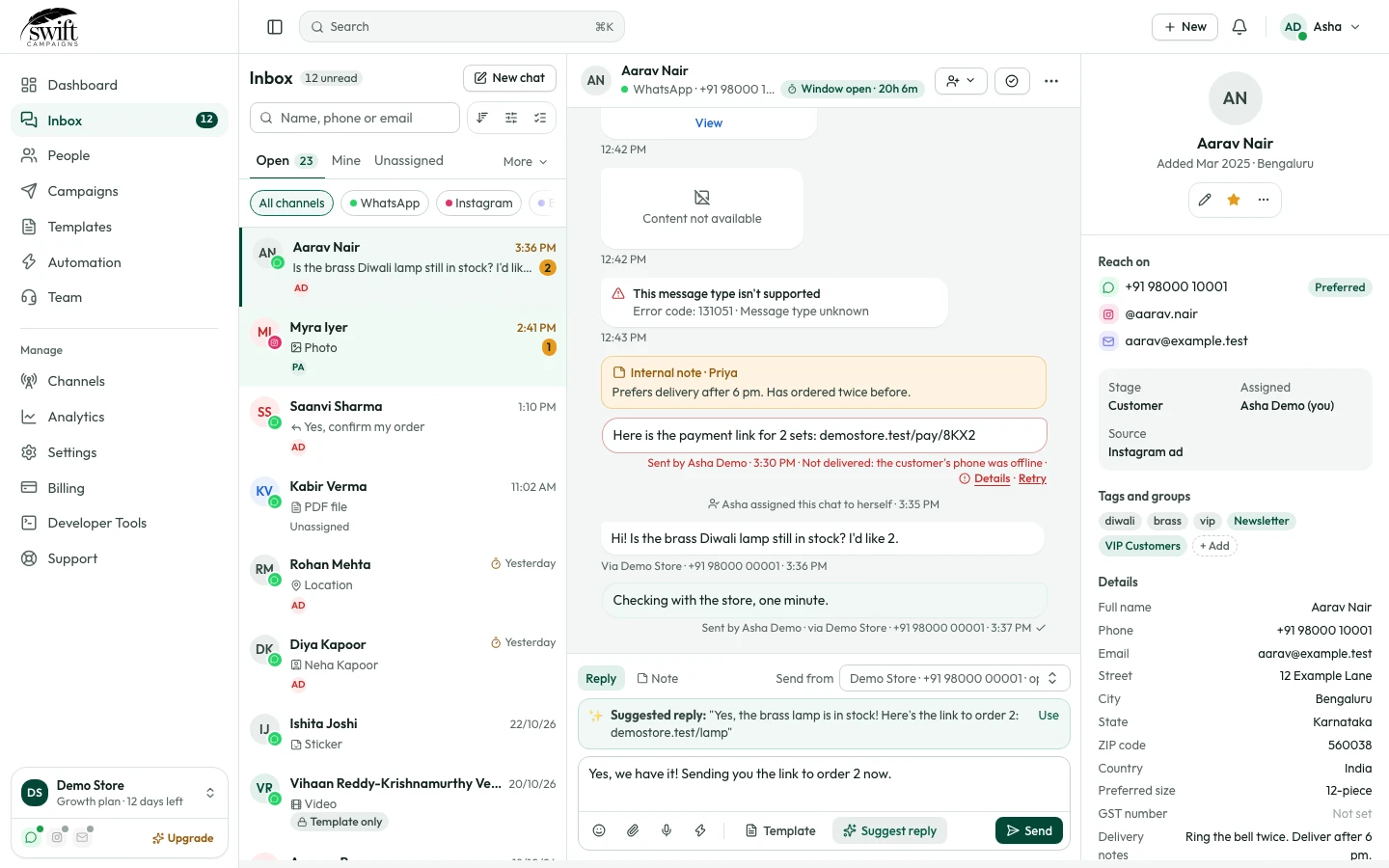
- 3
See who sent what
Each message shows which team member sent it and from which WhatsApp number.