
How to connect your WhatsApp Business number
Link your number to the official WhatsApp Business (Cloud) API in one guided flow.
Getting started4 steps·5 min read
- 1
Open WhatsApp settings
Go to Settings → Whatsapp settings and click Setup WhatsApp.
app.swiftcampaigns.com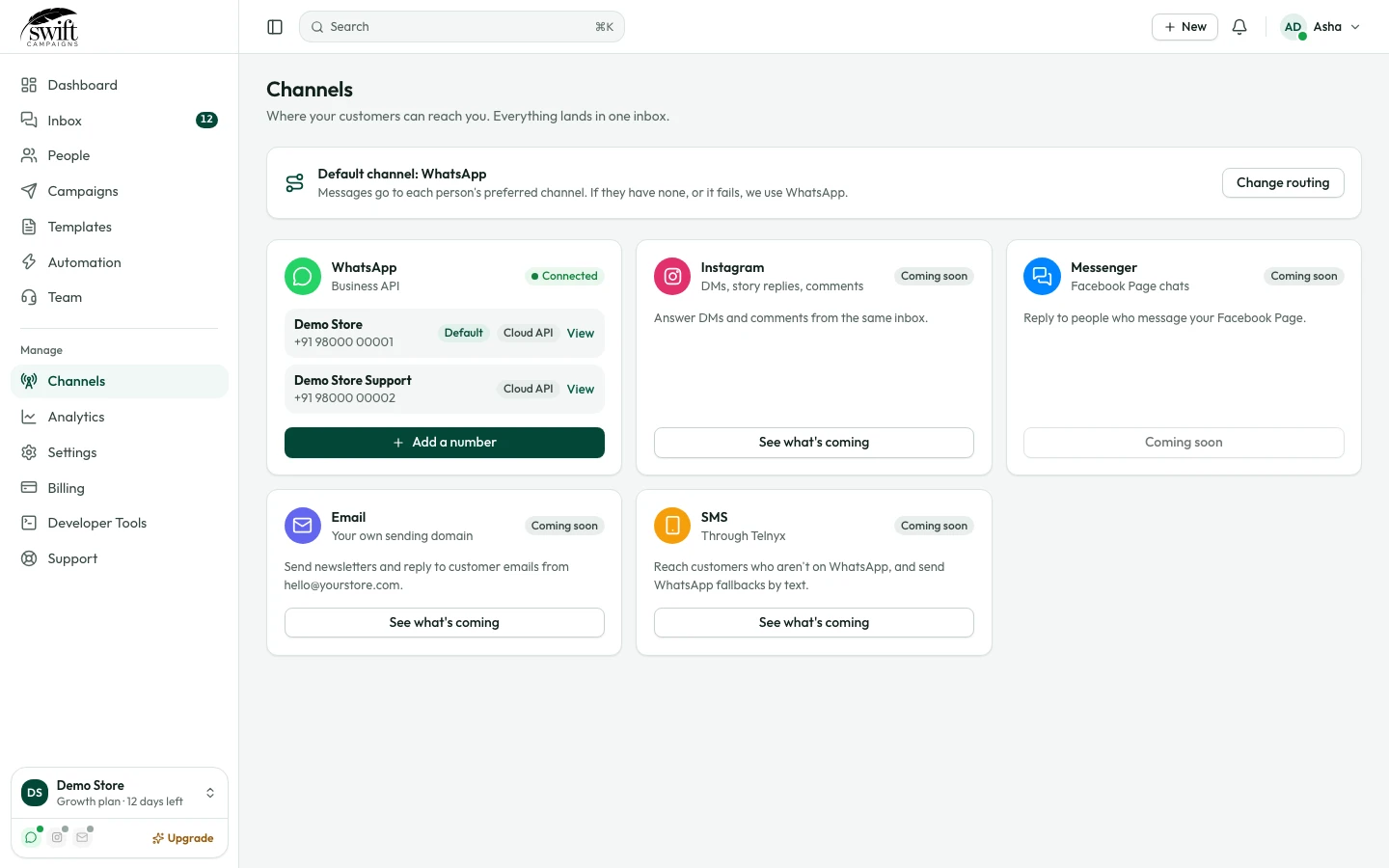
- 2
Sign in with Facebook
A Meta window opens. Log in with the Facebook account that manages your business, then pick your Business portfolio (or create one).
- 3
Add your phone number
Enter your business display name and the number you want to use, then confirm it with the code Meta sends by SMS or call. The number must not be active on the WhatsApp app at the same time unless you choose coexistence.
- 4
Done
Back in Swift Campaigns the number appears under Connected accounts. You can connect more than one number and choose which one each campaign or chat uses.
app.swiftcampaigns.com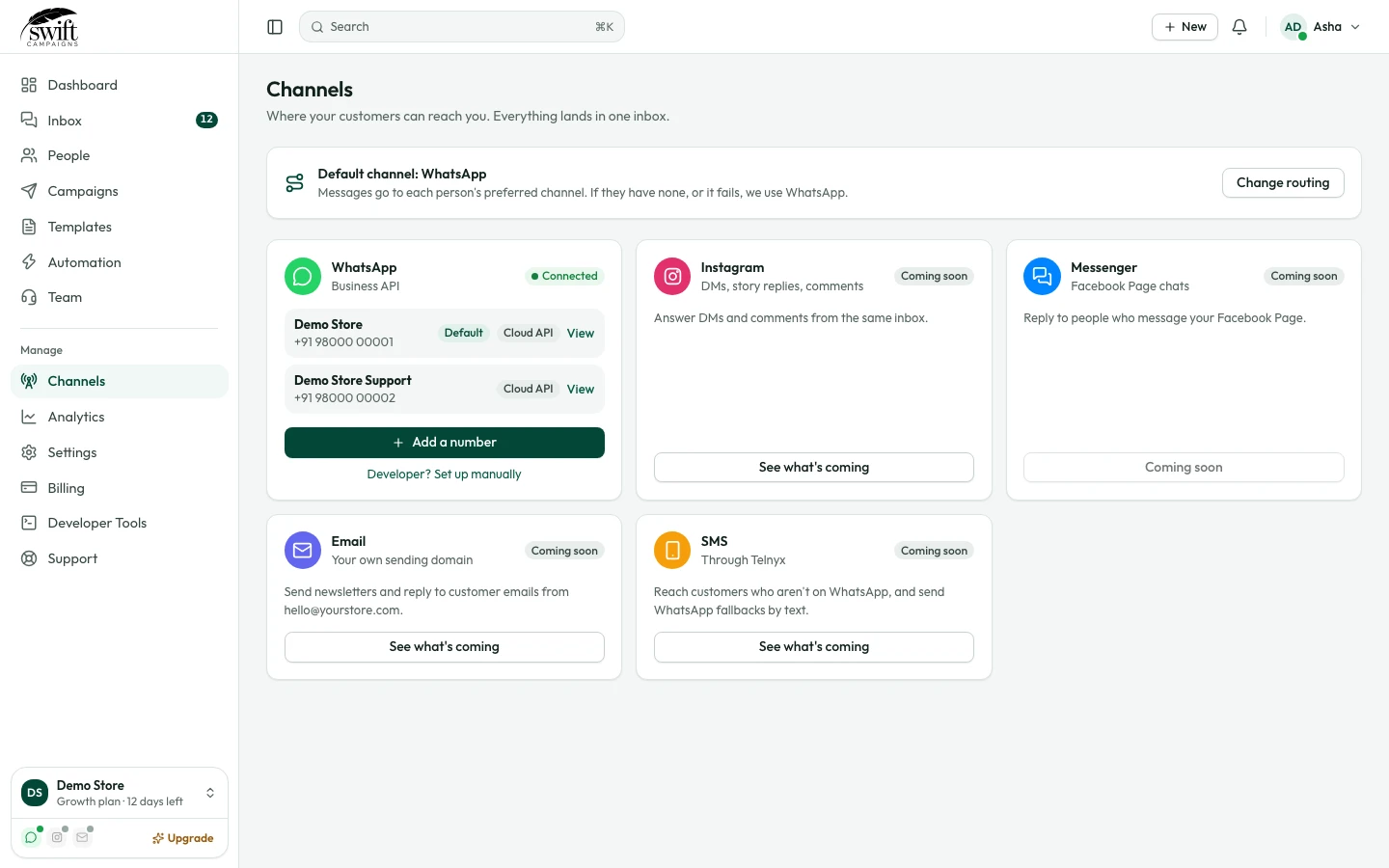
Good to know
- Add a payment method in Meta Business Settings so you can send business-initiated (template) messages.
- New numbers start at 250 business-initiated conversations a day; the limit rises as you send good-quality messages.