
How to import contacts from Excel or CSV
Upload hundreds of contacts at once from a spreadsheet.
People3 steps·3 min read
- 1
- 2
Download the sample
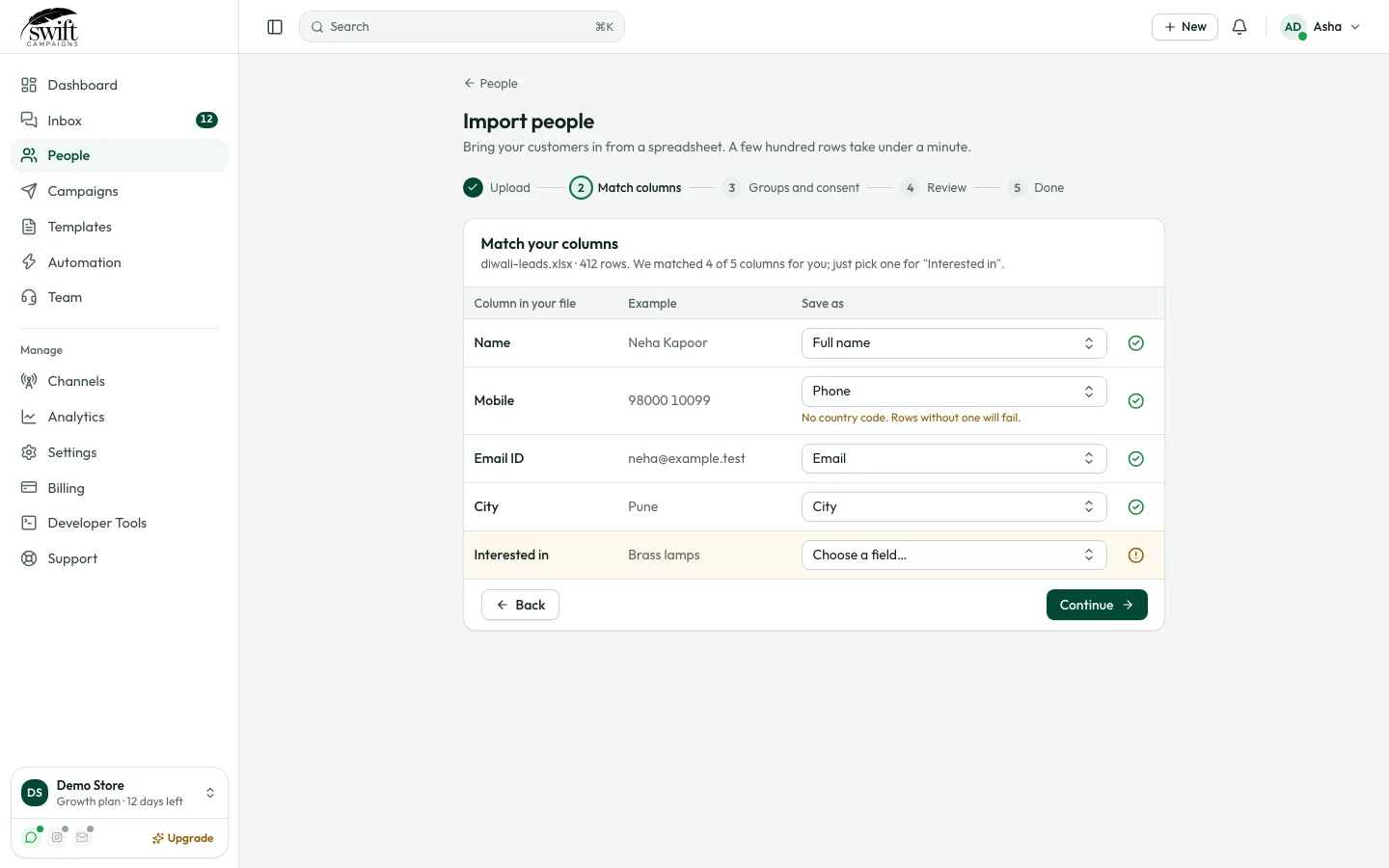
Click Click here to download sample template and copy your contacts into it. Phone numbers must start with the country code, for example
+919800012345. - 3
Upload the file
Drag the .csv or .xlsx file into the box (or click to choose it). The import runs and your contacts appear in the list.
Good to know
- Only message people who agreed to hear from you on WhatsApp. Messaging people who did not opt in lowers your quality rating.