
How to read your campaign report
See who received, read or missed your broadcast, and export the results.
Templates and campaigns3 steps·2 min read
- 1
Open the campaign
In Campaigns, click the campaign name.
- 2
Read the totals
The cards show messages, Sent, Delivered, Read and Failed. The table lists every contact with their status; click More Info to see why a message failed.
app.swiftcampaigns.com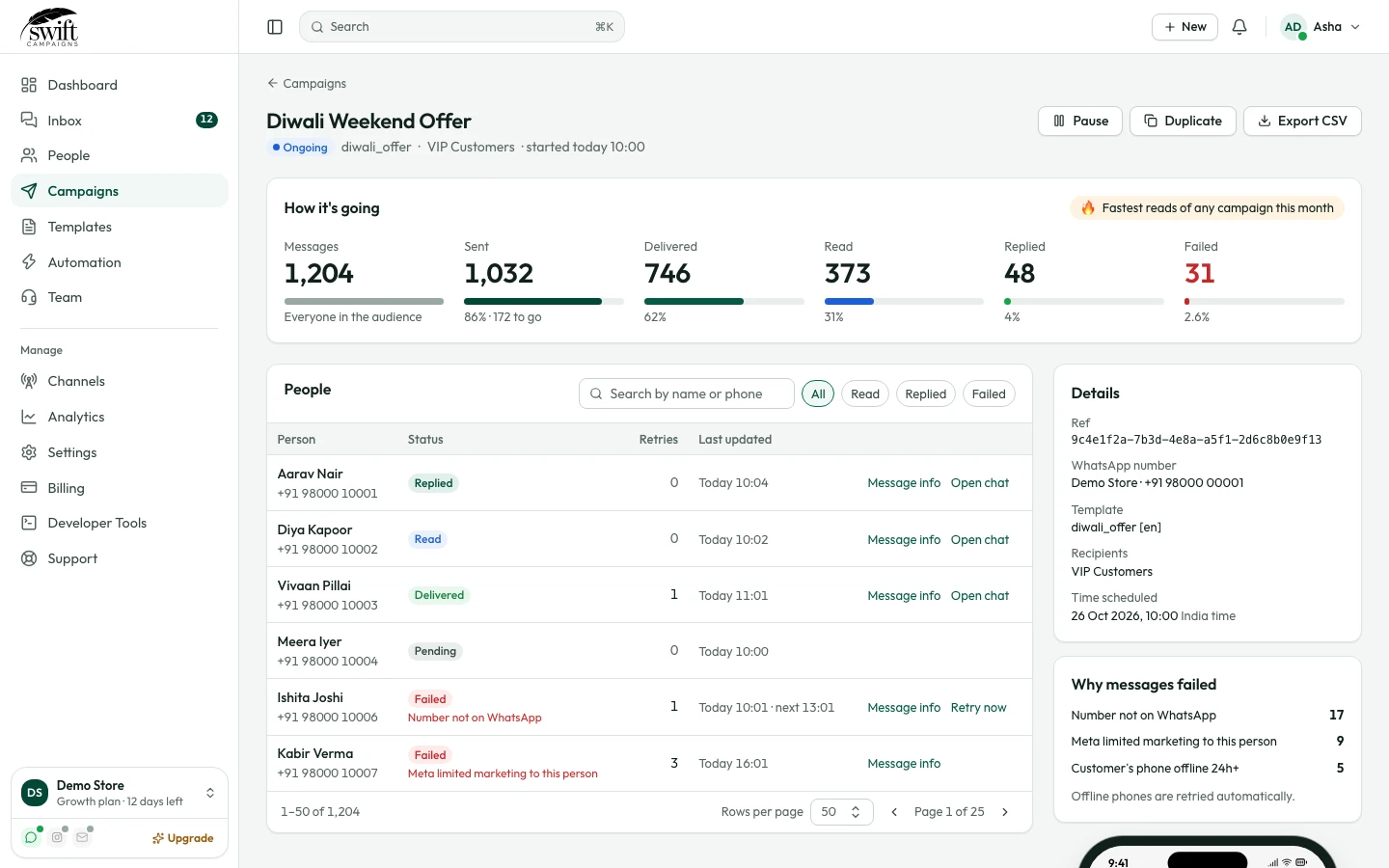
- 3
Export
Click Export As CSV to download the full list.
Good to know
- Failed messages usually mean the number is not on WhatsApp, the customer blocked you, or Meta limited marketing messages to that person.